
From a sealed pallet to logged-in and working — without disrupting the org
We image, configure, tag and roll out at the scale your refresh or new build demands, so devices arrive ready for the user instead of the IT closet. Zero-touch where you want it, hands-on where you need it.

Deployment should take work off your team — not add to it.
A refresh fails quietly. The hardware shows up on time, then sits — boxes stacked in a closet while a stretched IT team images units one at a time between tickets. Users wait, the project slips, and the shiny new fleet becomes a backlog. Deployment exists to break that pattern: devices arrive imaged, tagged and ready, rolled out in planned waves so the organization keeps working through the transition.
What you actually get
The outcome, before the feature list.
Ready out of the box
Your image, drivers, security agents and apps are applied before a unit ships. The user logs in and works — no closet, no queue, no first-day scramble.
No big-bang disruption
Waved, scheduled rollouts move teams and sites in sequence, so a refresh never takes the whole organization offline at once.
Inventory from minute one
Serials, asset tags and locations are captured as units deploy, handing your team an accurate record from day one instead of a reconciliation project later.
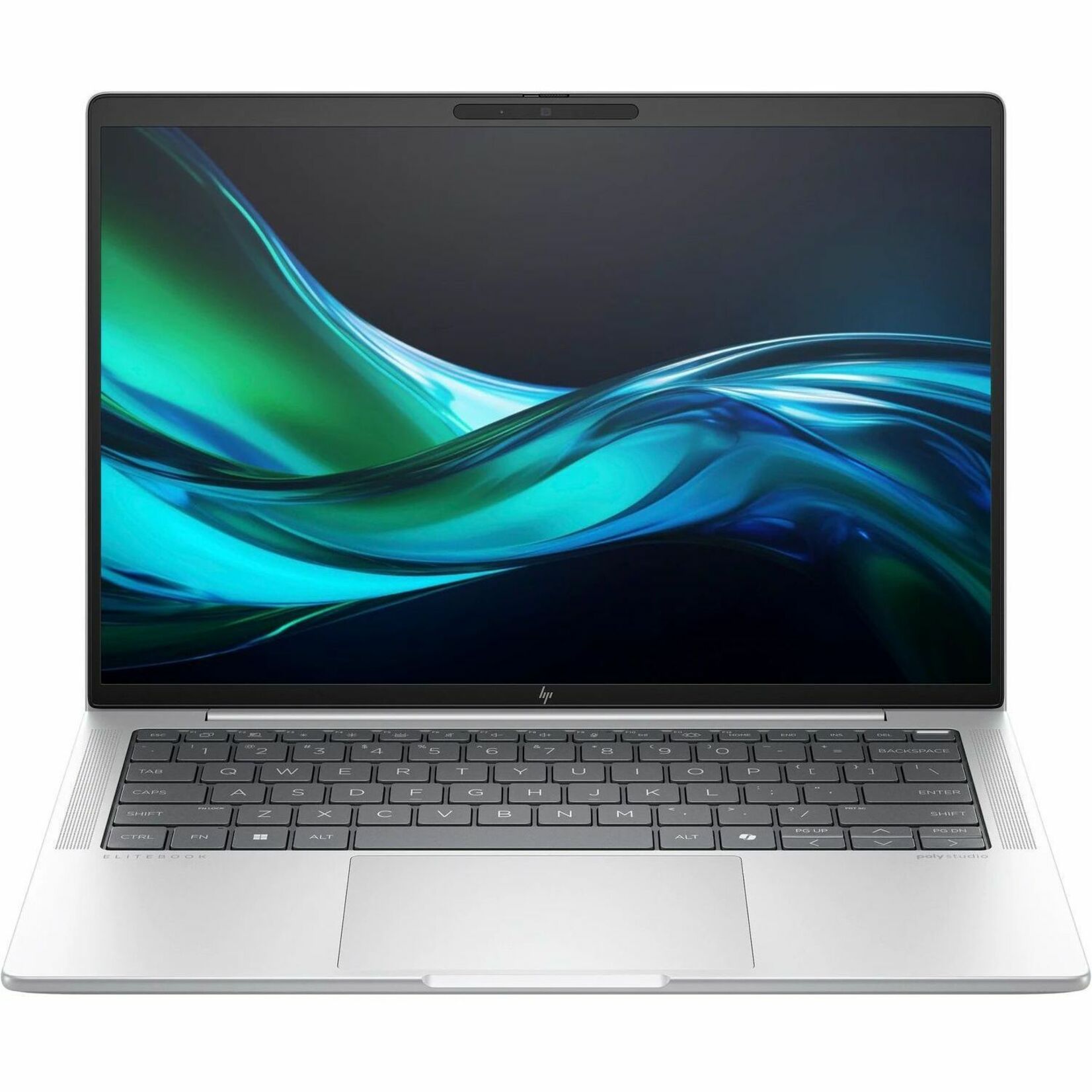
Imaging & configuration to your standard
We build from your golden image — drivers, security tooling and application set — so every HP unit arrives matching your standard build. No image yet? We'll help you define one before the rollout starts.
- Your image, agents and apps applied in staging
- BIOS settings and asset tags personalized per unit
- A working-state check before anything ships
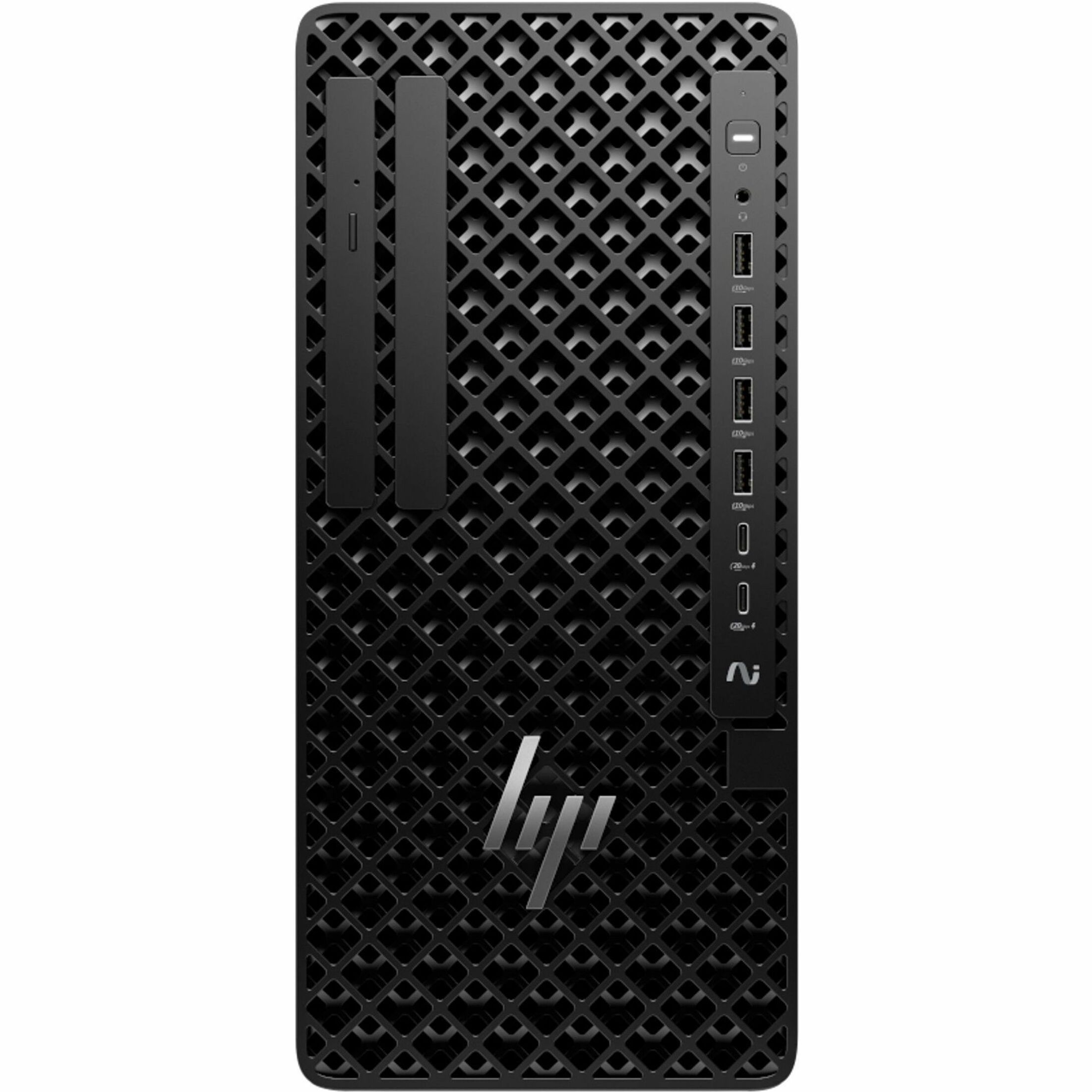
Waved rollout with full tracking
Scheduled deployment across sites and teams that minimizes downtime, with tracking so you always know which units have shipped, which are live, and which are still in staging.
- Sequenced by department or site to protect operations
- Live status on every unit, staging through go-live
- Migration planning to move users and data cleanly
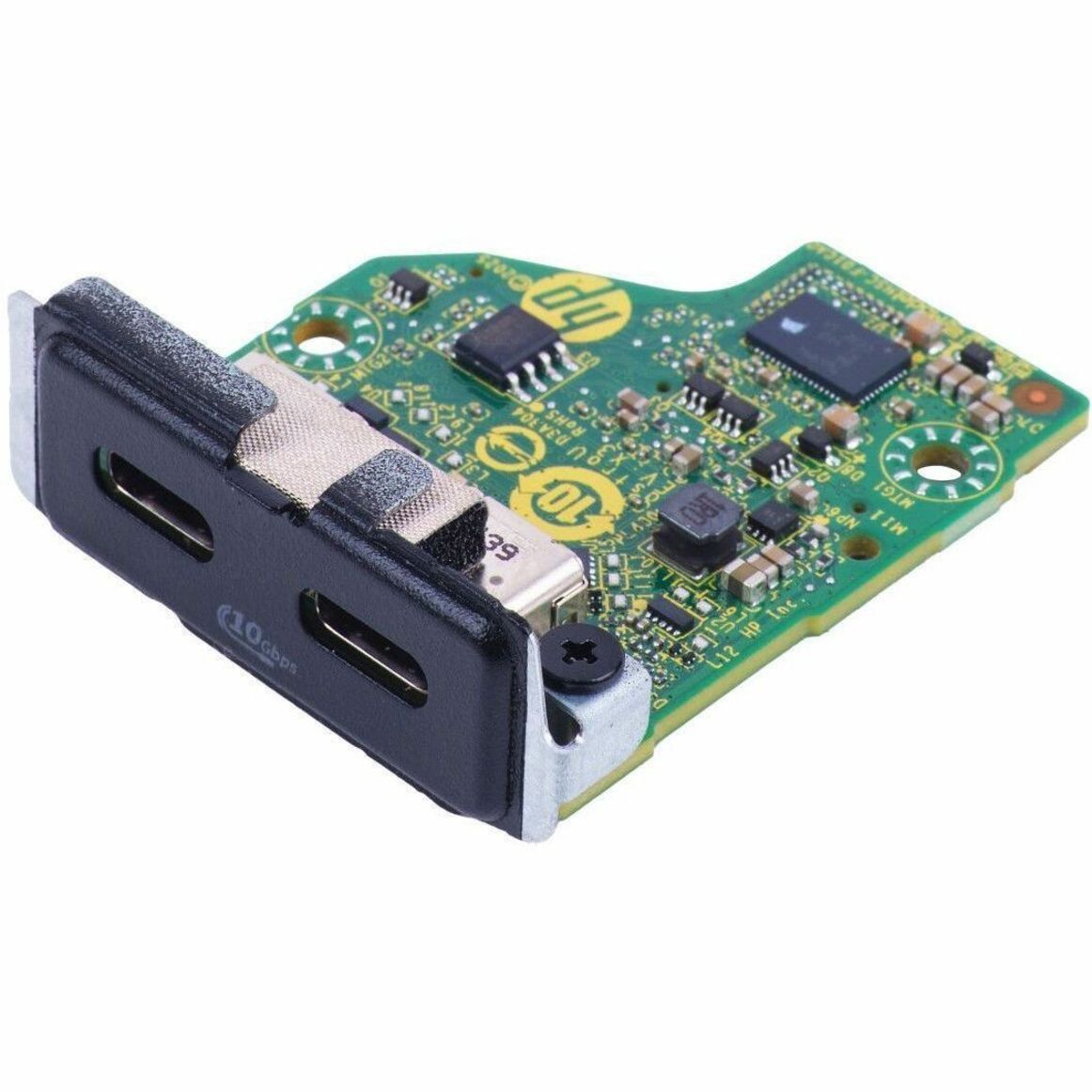
On-site setup when it counts
For large refreshes, new buildings and lab fit-outs, technicians on the ground handle physical install of desktops, Z workstations, monitors and docks — cable management, working-state check and first-day floor support included.
- Desk-side install of desktops, workstations, monitors and docks
- Floor walks and first-day support during go-live
- Outgoing units captured for trade-in or secure disposal
What's included
Everything we cover under deployment for your HP estate.
Imaging & configuration
Your image, drivers, security agents and apps applied to each HP unit in staging, so devices arrive ready for the user.
Rollout
Scheduled, waved deployment across sites and teams that minimizes downtime, with per-unit shipping and go-live tracking.
Installation
Physical setup of desktops, Z workstations, monitors and docks at the desk, including cabling and a working-state check.
Migration planning
A mapped plan to move users and data from outgoing devices, sequencing departments to keep the org running.
On-site setup
Technicians on the ground for installs, floor walks and first-day support during large refreshes and new builds.
Asset capture
Serials, asset tags and locations recorded as units deploy — an accurate inventory from day one.
What we deploy & manage
Real HP products and programs — named, not implied.
Factory & staging config
Image load, BIOS personalization and asset tagging applied before units leave staging — the zero-touch foundation.
HP docking & displays
Docks, monitors and the desk-side kit installed and cable-managed so a workstation is complete, not a box of parts.
Accidental Damage Protection
Add-on HP coverage we can attach during procurement so field and travel fleets are protected on day one.
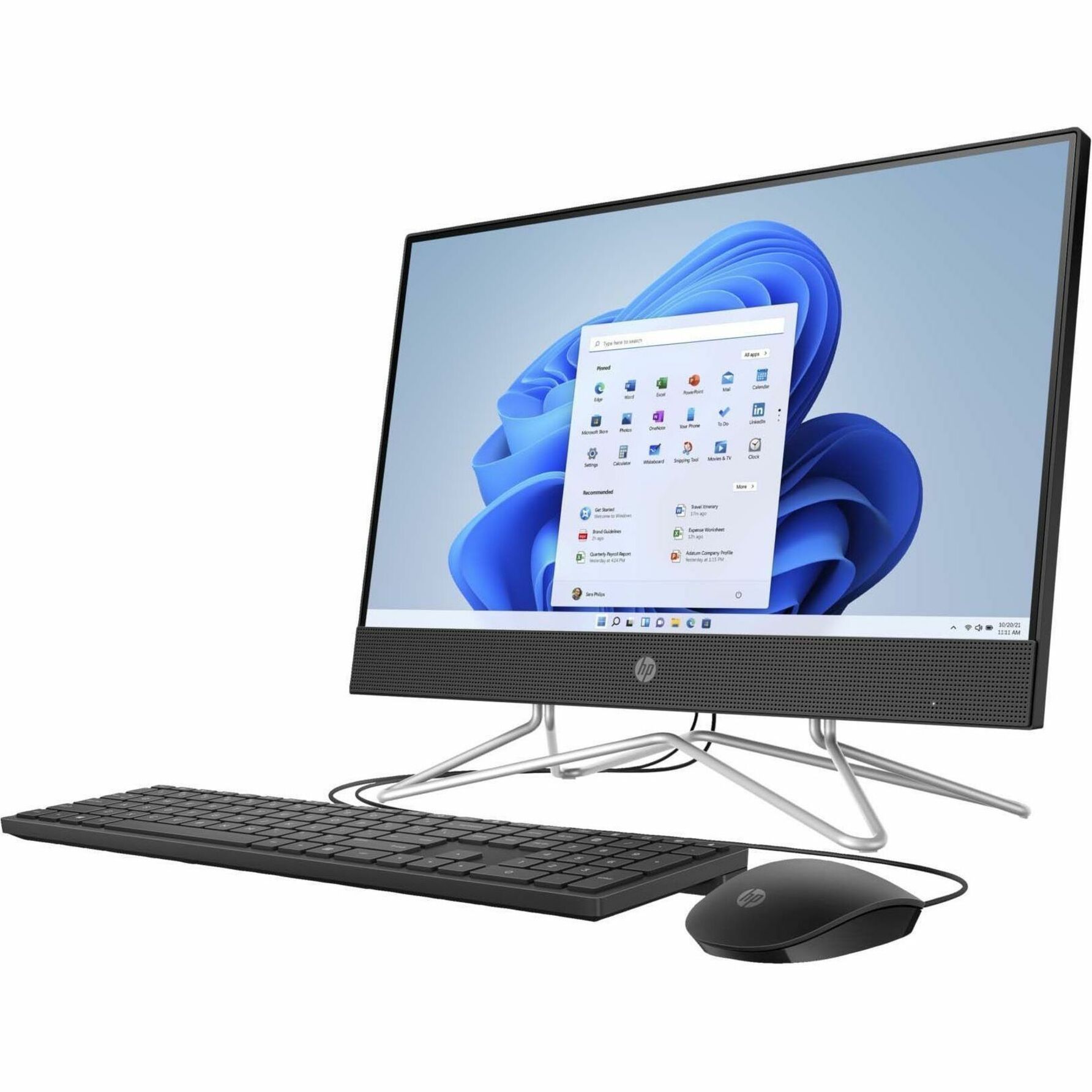
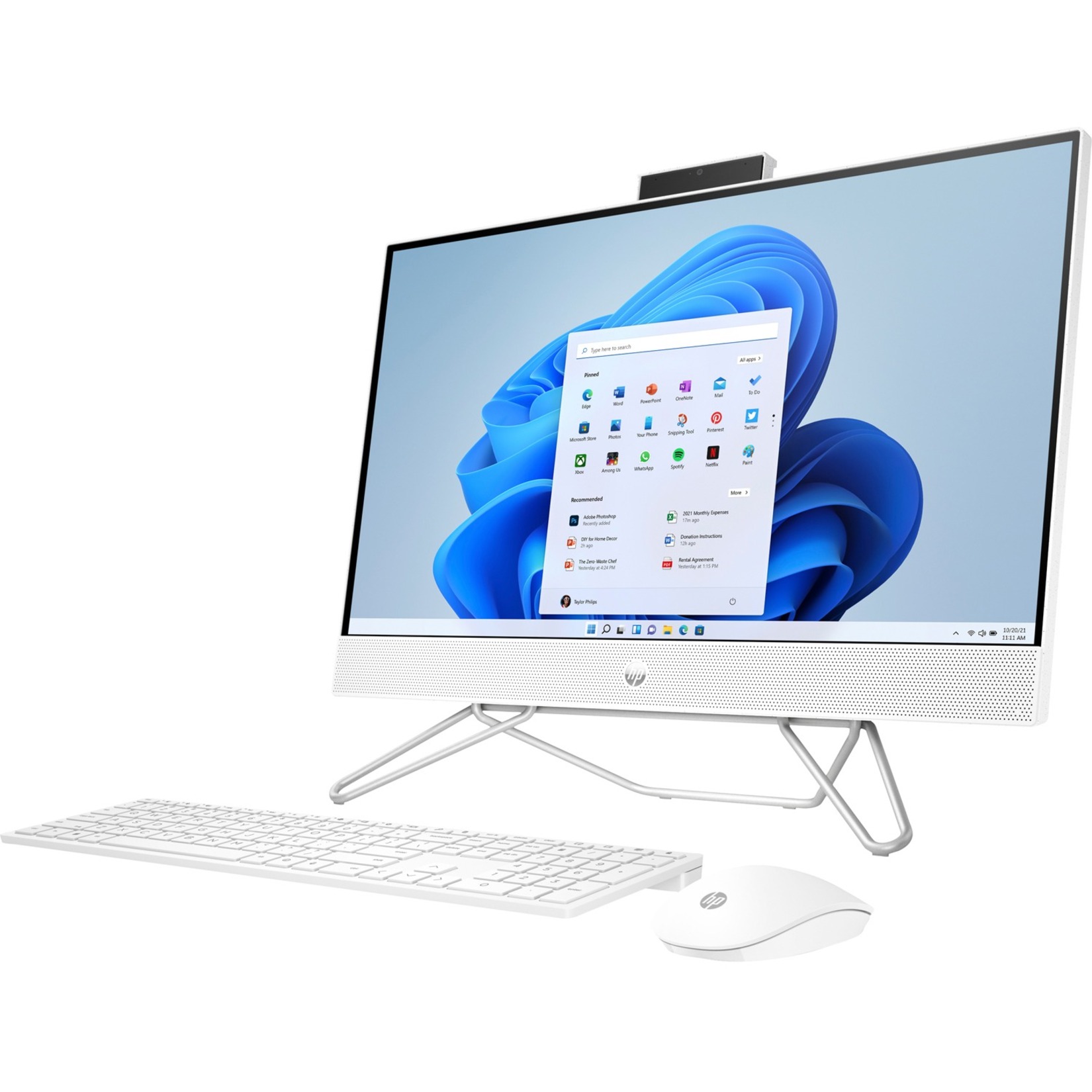
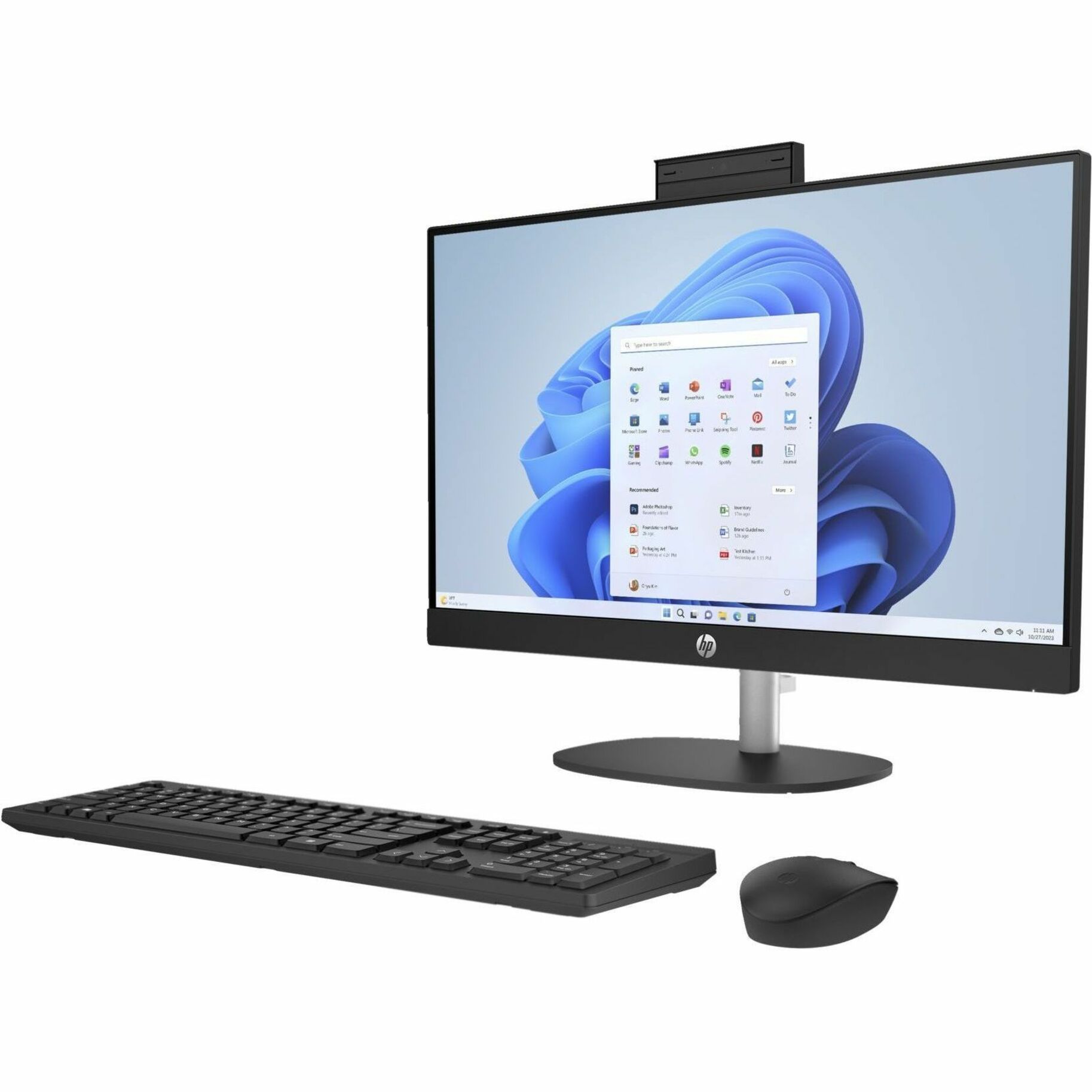
HP hardware we deploy
View all →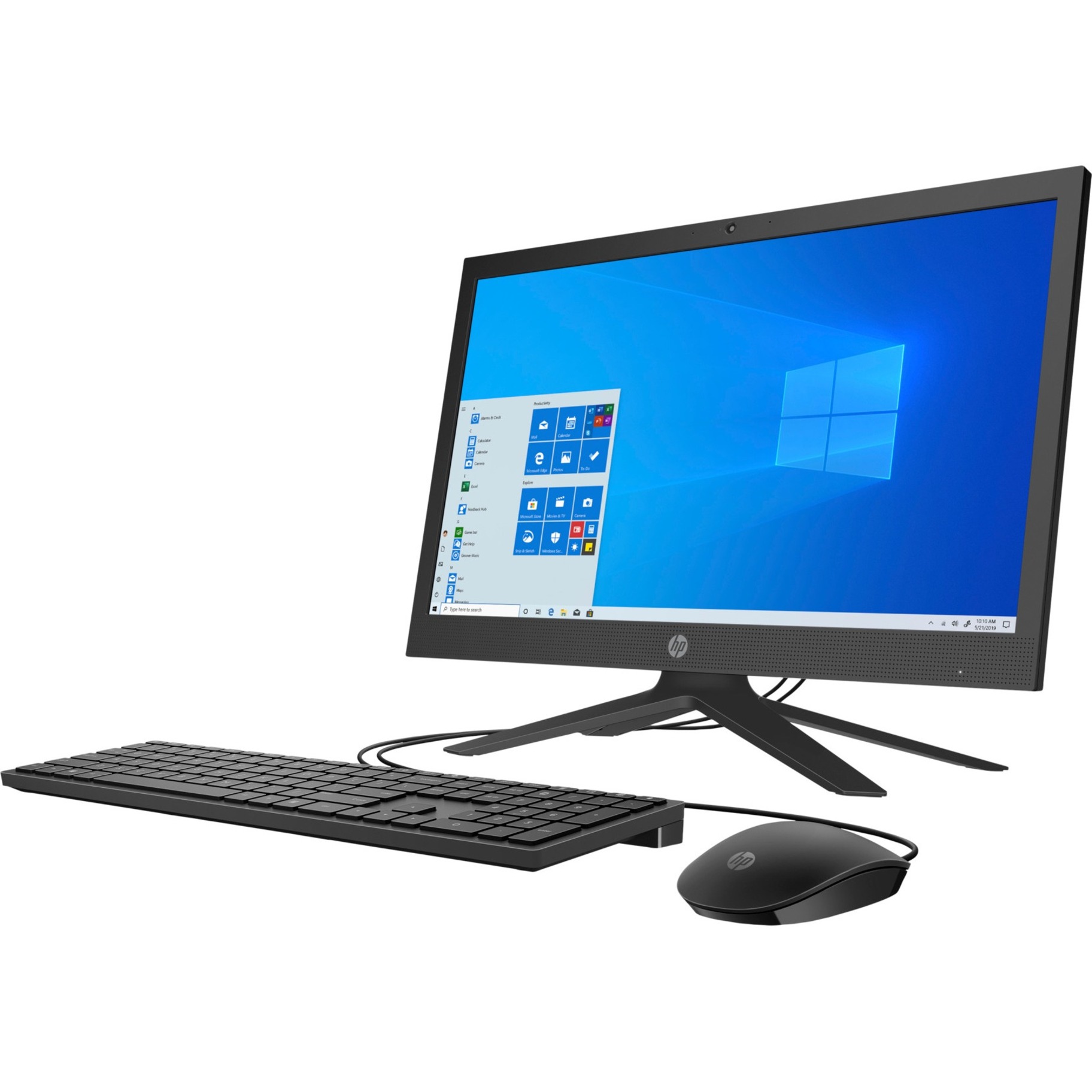
How we engage
A clear path from requirement to a supported fleet — no payment up front.
Plan
We map sites, waves and the golden image, and sequence departments to protect day-to-day operations.
Stage
Each unit is imaged, BIOS-personalized, tagged and working-state checked before it ships.
Deploy
Configured units drop-ship to each site or technicians install on-site, in planned waves with live tracking.
Handover
Asset records delivered, outgoing units captured for trade-in or disposal, first-day support on the floor.
What success looks like
- Users get working devices on schedule, not boxes to unpack themselves.
- Standardized images reduce configuration drift and support tickets.
- An accurate asset record from the moment hardware is deployed.
- Less disruption during refreshes thanks to waved, planned rollouts.
- Outgoing devices captured for trade-in and secure data handling.
- Coverage attached up front so field fleets are protected on day one.
Questions buyers ask
Can you apply our existing image and security tooling?
Yes. We work from your golden image, security agents and application set so devices arrive matching your standard build. If you don't have an image yet, we can help you define one before rollout.
Do you deploy on-site or only ship configured units?
Both. Many customers prefer configured units drop-shipped to each location; for larger refreshes and new buildings we send technicians for installation, floor walks and first-day support.
How do you limit downtime during a refresh?
We deploy in waves — sequencing departments and sites so the whole organization is never offline at once. Migration planning moves users and data cleanly, and live tracking shows exactly where every unit is.
How do you handle the old devices being replaced?
Deployment pairs naturally with our lifecycle services — we capture and remove outgoing units for trade-in, secure data handling and recycling as part of the same project.
Can configuration be done at the factory or in staging?
Yes. Image load, BIOS personalization and asset tagging can be applied before units leave staging, so they reach each site genuinely ready to work — the zero-touch model.