Start with a defensible baseline, not a wish list
Most refresh programs slip because the team never agreed on what they actually own. Before you talk to anyone about new hardware, pull an honest inventory: device age, warranty status, processor generation, RAM, drive type, and — critically — whether the device can carry your current OS and security baseline for its full service life. A laptop that technically boots but can't run your endpoint stack at full speed is already a liability, not an asset.
Sort that inventory into three buckets: replace now, replace next fiscal cycle, and re-image and keep. The "keep" pile is where you protect your budget — every device you don't have to buy is money you can redirect toward docking standardization or extended support.
Tie the refresh to a mission outcome
Funding moves faster when a refresh is framed as risk reduction or mission enablement rather than "the laptops are old." Connect it to something a sponsor cares about: closing an end-of-support exposure, meeting a Zero Trust device-posture requirement, or unblocking a hybrid-work mandate. If your agency is buying through a cooperative or federal path, document which contract vehicles you can quote against early — it shortens the procurement conversation later.
Standardize the configuration before you standardize the fleet
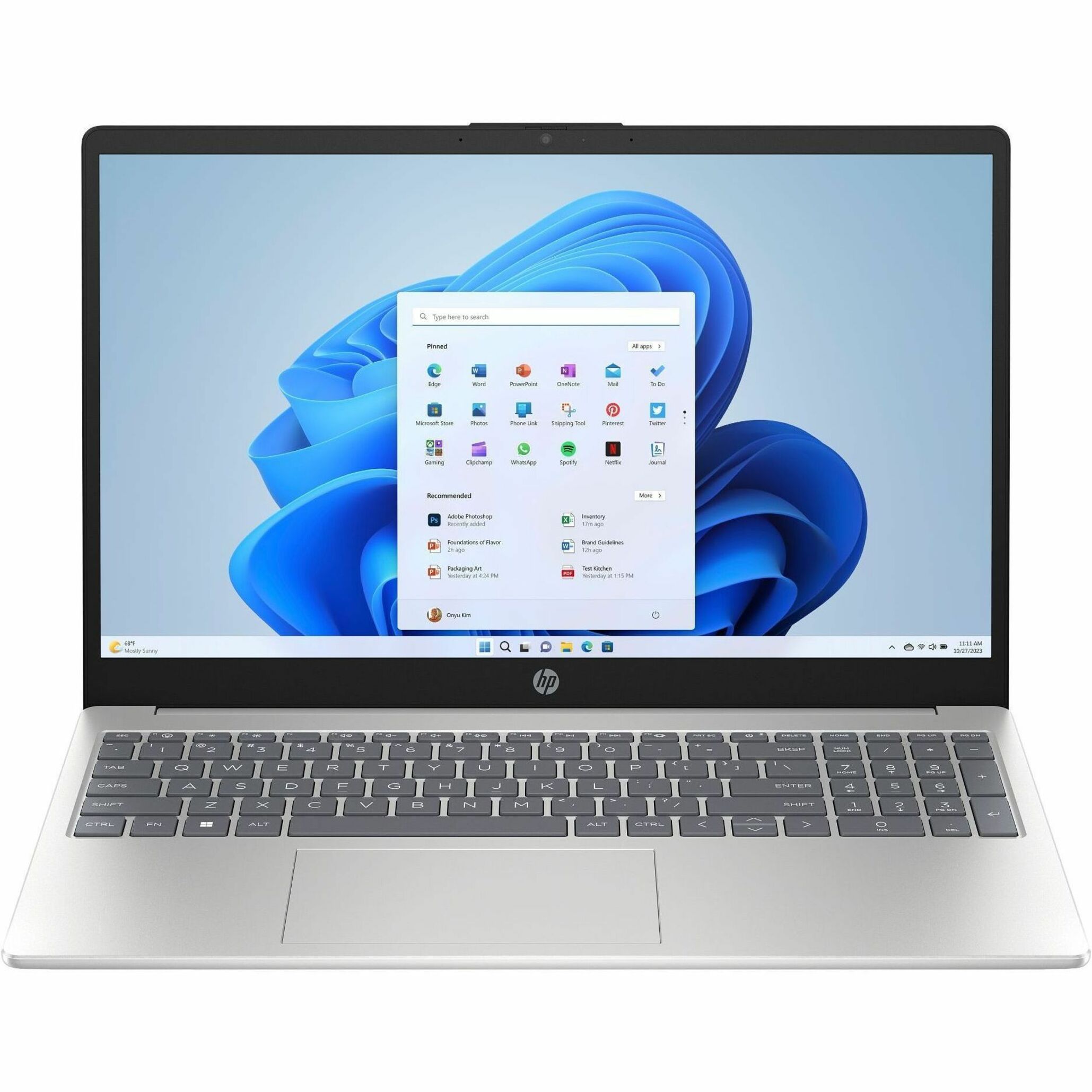
The single biggest lever on long-term cost is configuration discipline. Pick one or two notebook SKUs and one desktop family, lock the memory and storage tiers, and resist the urge to let every directorate special-order. A tight standard means fewer images to maintain, predictable spares, and faster help-desk resolution.
When you're scoping the standard, build it as a bill of materials rather than a single line item — device, dock, power, warranty tier, and accessories together. Our BOM builder is designed for exactly this: assemble the full configuration once, then reuse it across every order so each site gets an identical kit.
- Choose a primary notebook for general users and a performance tier for power users
- Fix RAM and SSD minimums so they survive the full deployment window
- Standardize on one docking solution to simplify desks and asset tracking
- Decide warranty length and on-site vs. depot service up front
You can compare current HP EliteBook, ProBook and Z lines side by side when you're settling the standard.
Sequence the rollout to minimize disruption
A big-bang swap rarely survives contact with a real agency. Sequence by site, directorate, or risk: start with a pilot group that mirrors your hardest use cases, validate the image and the dock behavior, then expand in waves. Build a clean return path for old devices — sanitization, asset retirement, and disposition documentation should be part of the rollout plan, not an afterthought.
Schedule deployments around mission tempo. Refreshing a field office the week before an exercise is how you end up on a remediation list. Give each wave a named owner, a rollback option, and a definition of "done."
Budget for the whole lifecycle, not just the box
A refresh that only funds hardware is a refresh that creates a support problem two years out. Account for imaging, deployment labor, dock and peripheral standardization, warranty, and eventual disposition. If your team is thin, factor in managed deployment so internal staff aren't pulled off mission work to unbox laptops.
When you're ready to price it, send us the standard you built and the quantities by wave. We'll quote against the path that fits your agency and confirm TAA status per line — start a quote here.
A simple checklist to keep the program honest
- Inventory baseline complete and bucketed
- Mission outcome and sponsor identified
- One or two standard configurations locked as a BOM
- Procurement path and TAA requirements confirmed
- Pilot validated before any wave ships
- Disposition and sanitization plan in writing
- Lifecycle budget covers labor, warranty and retirement
Get those seven items right and the hardware is the easy part.
Frequently asked questions
How often should a federal agency refresh end-user PCs?
Most agencies plan on a three-to-five year cycle, driven less by the calendar and more by OS support, security-baseline requirements, and warranty coverage. The right answer is whatever keeps every device able to run your current endpoint stack at full speed for its entire service life.
Should we buy all at once or in waves?
Waves almost always win. A pilot group lets you validate the standard image and docking behavior before you commit the whole fleet, and phased delivery keeps any single site from being disrupted all at once. You can still price the full program up front and release it in stages.
How do you confirm the hardware is TAA-compliant?
We confirm country of origin and TAA status per line at quote time, and we can substitute a TAA-certified equivalent where needed. Tell us your vehicle and we'll quote against it.