Match the machine to the bottleneck, not the brochure
Data science workloads don't fail in one place. Some teams are bound by GPU memory during model training; others are bound by system RAM when wrangling large frames in memory; still others are I/O-bound moving datasets on and off disk. Before you spec anything, figure out where your team actually stalls. The right HP Z workstation is the one that removes your bottleneck — not the one with the highest sticker number.
A quick way to find it: watch a representative job. If the GPU sits pinned and out of memory, you need GPU headroom. If the machine swaps and slows when a notebook loads a dataset, you need RAM. If everything is fast except loading and saving, you need faster local storage.
GPU memory is usually the constraint that bites first
For training and fine-tuning, the limiting factor is often how much fits in GPU memory, not raw throughput. A card with more VRAM lets you hold larger batches and bigger models without contortions. If your team works with sizeable models locally, prioritize GPU memory capacity over a marginally faster chip with less of it.
That said, not every team needs maximum local GPU. If most heavy training runs in a shared cluster or the cloud, a workstation's job is fast iteration and prototyping — and you can spend the GPU budget more modestly while putting money into RAM and storage.
RAM headroom keeps interactive work pleasant
Interactive analysis lives and dies on memory. A workstation that forces analysts to down-sample just to open a dataset is a productivity tax paid every single day. Spec generous RAM and leave expansion room. It's the cheapest insurance against the most common daily frustration.
- General analysis and prototyping: ample RAM, mid-tier GPU, fast NVMe scratch space
- Local training and fine-tuning: maximize GPU memory, then RAM, then storage
- Large in-memory data work: prioritize RAM capacity and memory bandwidth
- Heavy I/O pipelines: fast NVMe and plenty of local scratch capacity
Desktop Z or ZBook mobile?
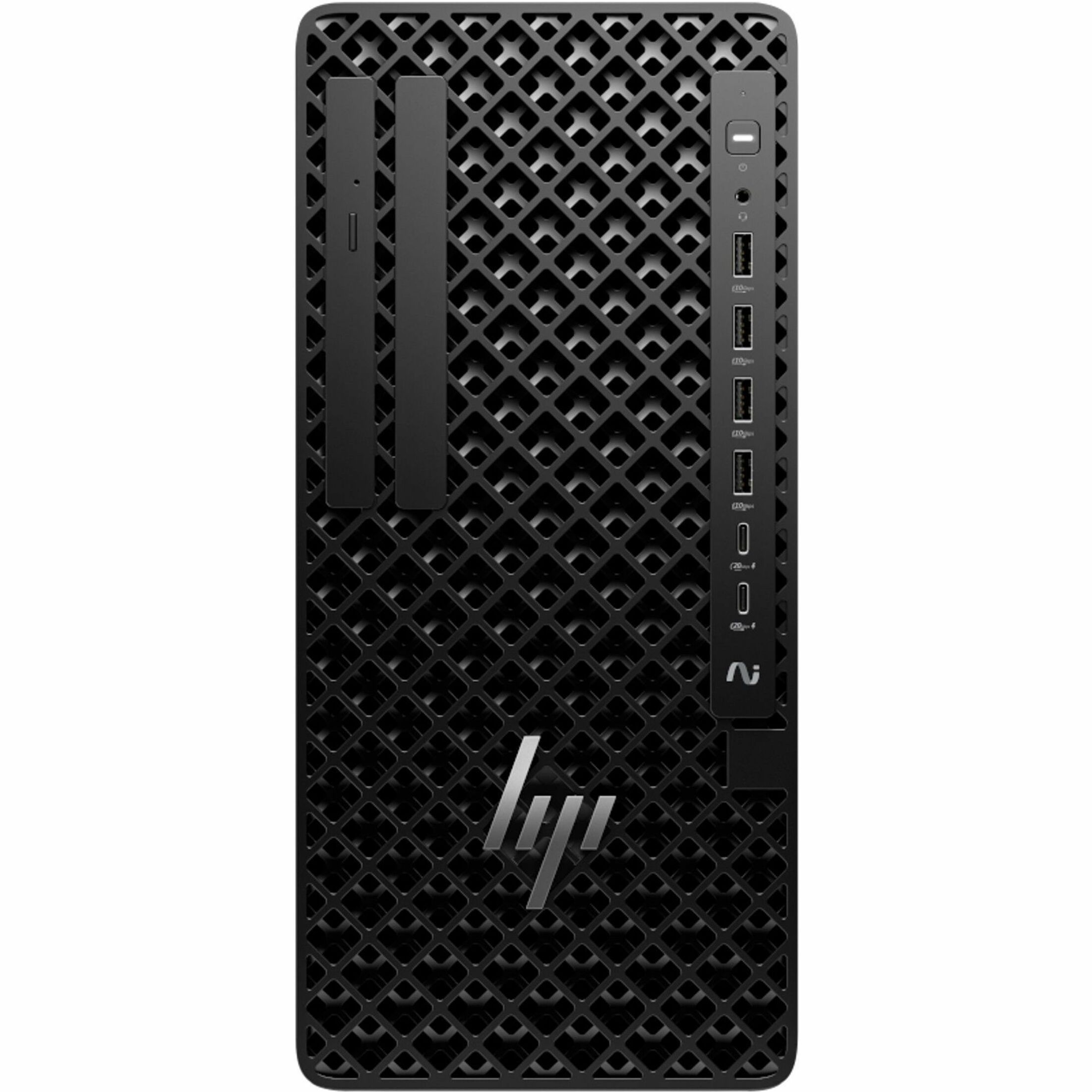
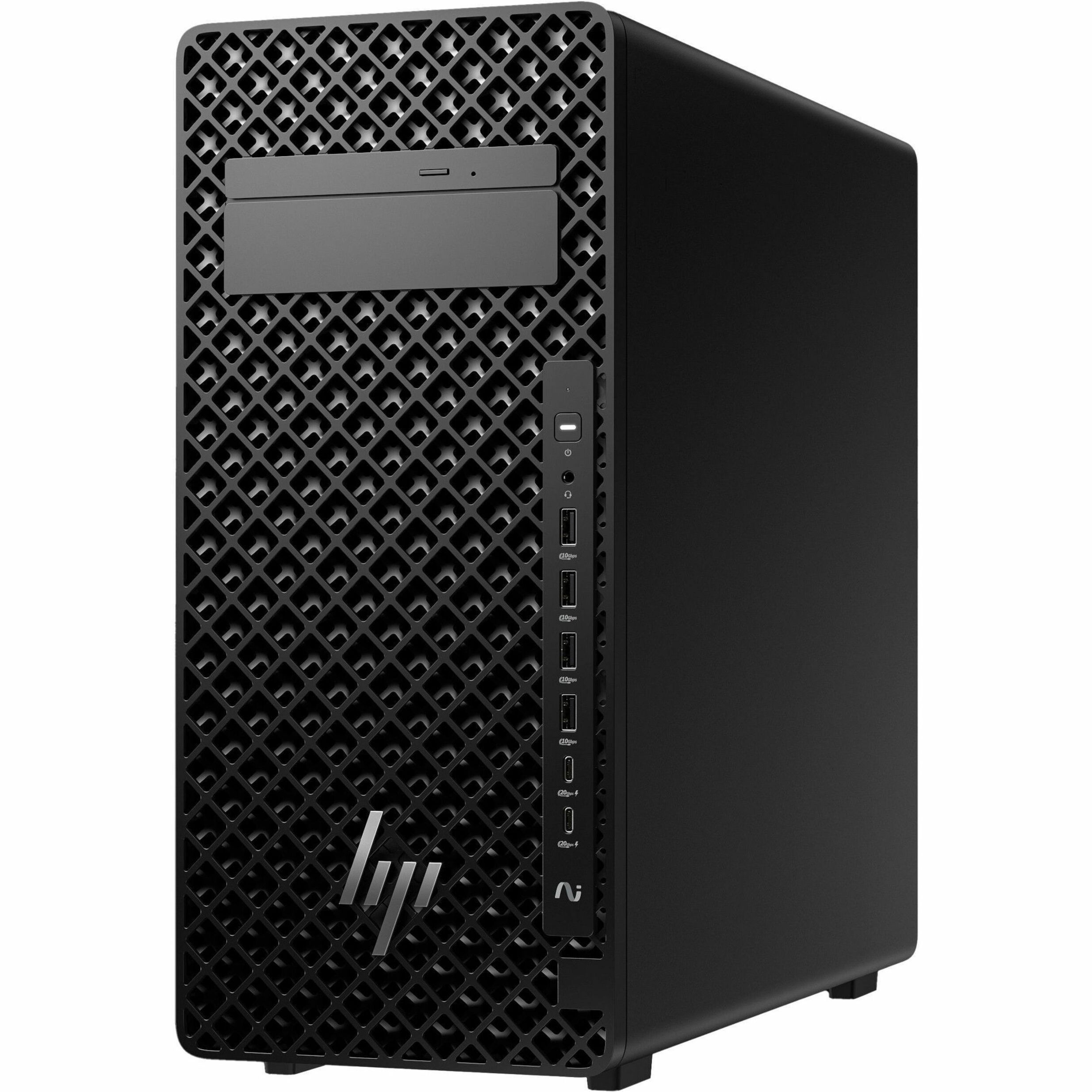
The choice usually comes down to where the work happens. A Z desktop workstation gives you the most compute and expansion per dollar and is ideal for people anchored to a desk. A ZBook mobile workstation trades some ceiling for portability — the right call for researchers who present, travel, or move between labs.
Many teams land on a hybrid: desktop Z machines for the heaviest local compute, ZBook mobiles for the people who need to carry their environment. Standardizing both as configurations in our BOM builder keeps the fleet predictable and the support burden low.
Don't forget the desk around the machine
A workstation is only as productive as the setup around it. Color-accurate or high-resolution HP monitors, a docking solution that matches the chassis, and enough ports for capture devices or external storage all matter. Budget for them up front instead of discovering the gap after deployment.
Buy for a two-to-three-year horizon
GPU and memory needs grow. Spec with a little headroom — one tier of GPU memory up, one RAM bracket beyond today's peak — so the machines stay relevant as your models and datasets grow. Over a multi-year service life, the modest premium for headroom is almost always cheaper than an early replacement.
When you've settled the tiers, send us the configuration and seat counts and we'll quote it. Request a workstation quote and tell us whether the work is local, shared, or a mix — it changes the recommendation.
Frequently asked questions
Should data science workstations prioritize the GPU or the CPU?
For training and fine-tuning, GPU memory capacity is usually the constraint that bites first, so prioritize VRAM. For interactive analysis and data wrangling, system RAM matters more. Watch a representative job to see where the machine actually stalls, then spend there.
Is a desktop Z or a mobile ZBook better for a data science team?
A Z desktop gives the most compute and expansion per dollar for desk-bound work, while a ZBook mobile trades some ceiling for portability. Many teams run a hybrid: desktops for the heaviest local training and ZBooks for people who travel between labs.
How much headroom should we spec for future growth?
Plan for a two-to-three-year horizon — typically one tier of GPU memory above today's peak and one RAM bracket beyond current needs. Over the machine's service life, that modest premium is usually cheaper than an early replacement.