Start with the major, not the spec sheet
The fastest way to overspend on a student laptop is to shop by processor tier. Start with the coursework instead. A business student and a mechanical engineering student are buying two genuinely different machines — but the gap is narrower than most spec sheets imply, and only one of those students needs to pay for it.
Three questions settle most of the decision before you look at a single model. What software does the program actually require? Does any of it have to run locally rather than in a browser? And how long does the laptop need to last? Four years is the usual answer to the last one, and it drives the memory and storage decision more than anything else on the page.
The everyday tier: notes, papers, and thirty open tabs
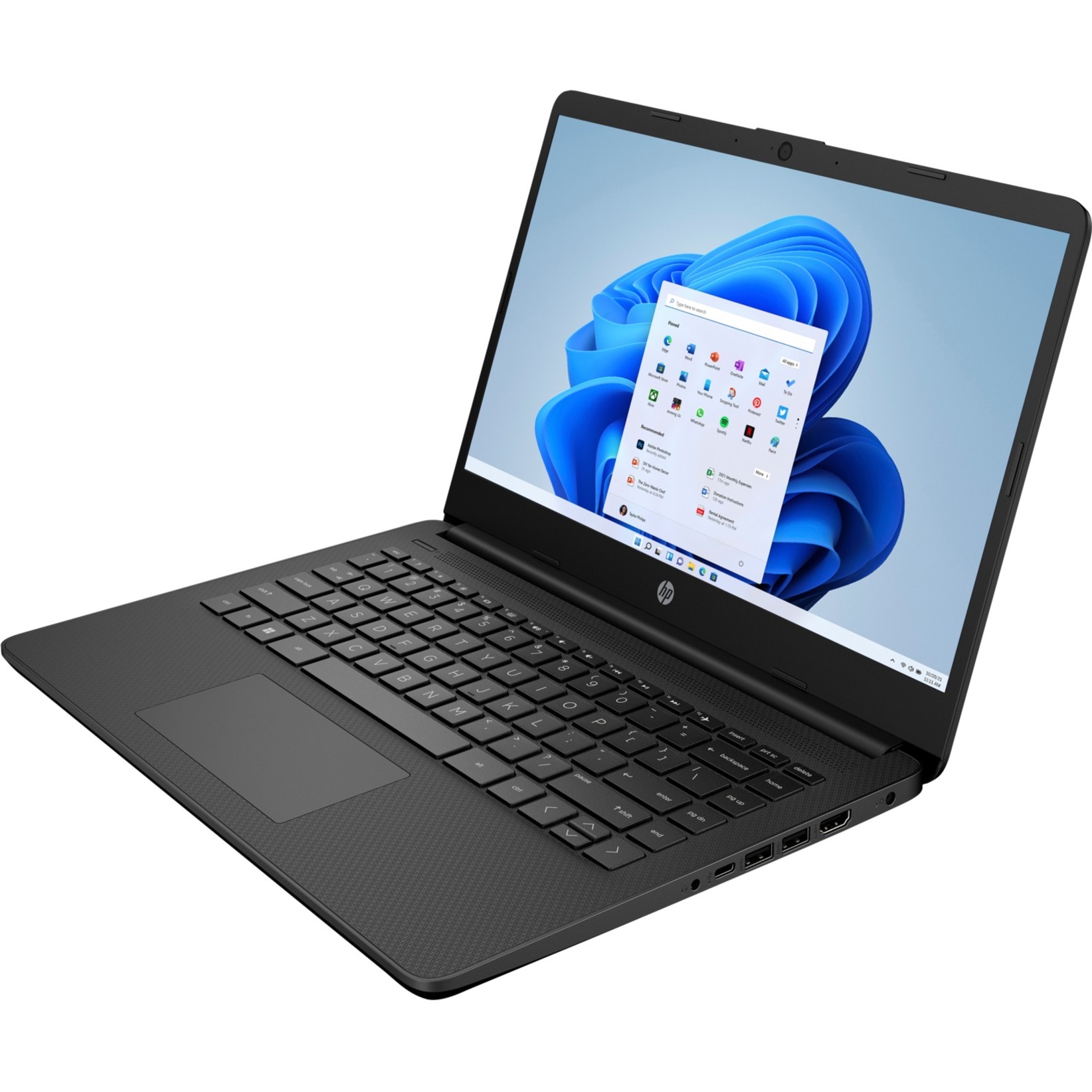
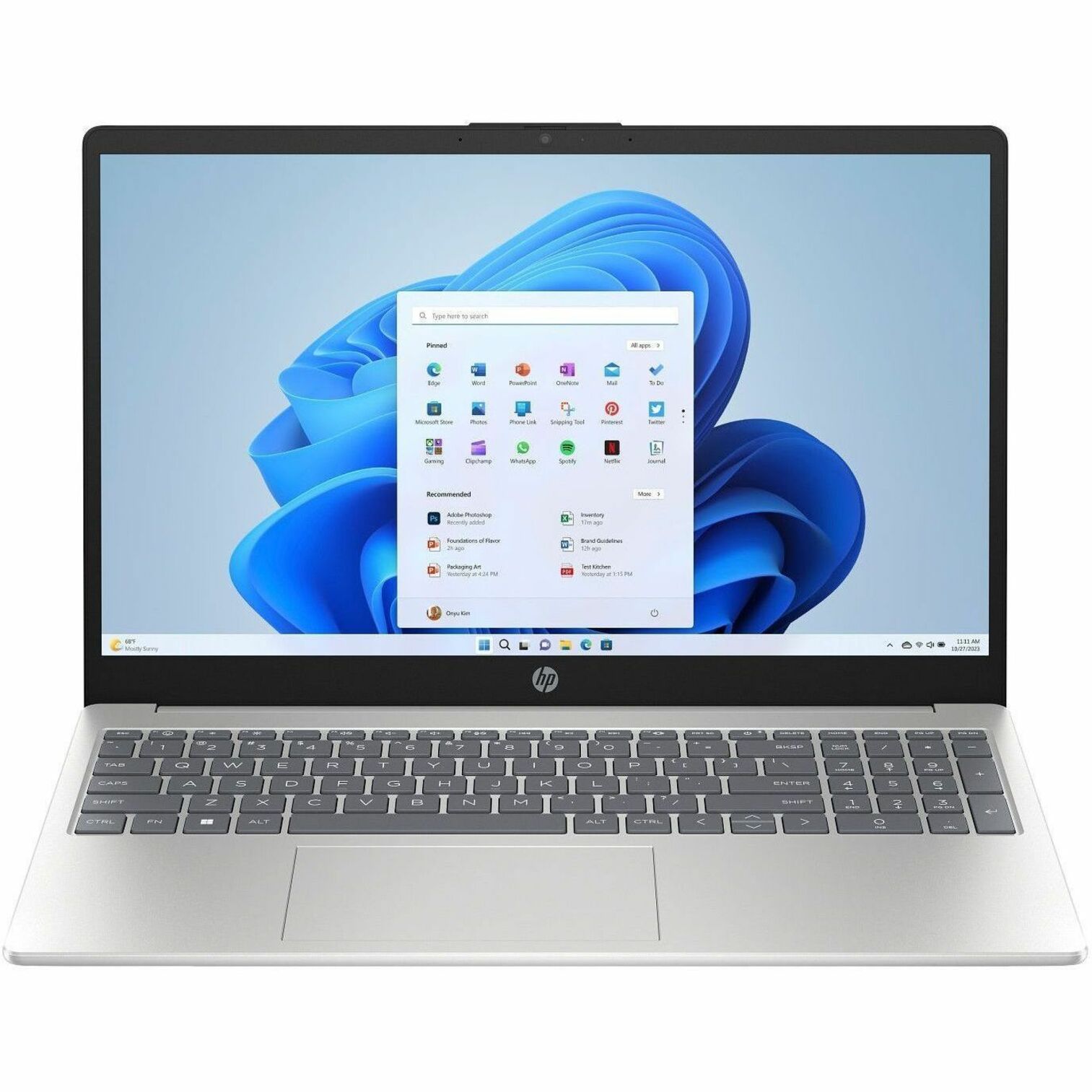
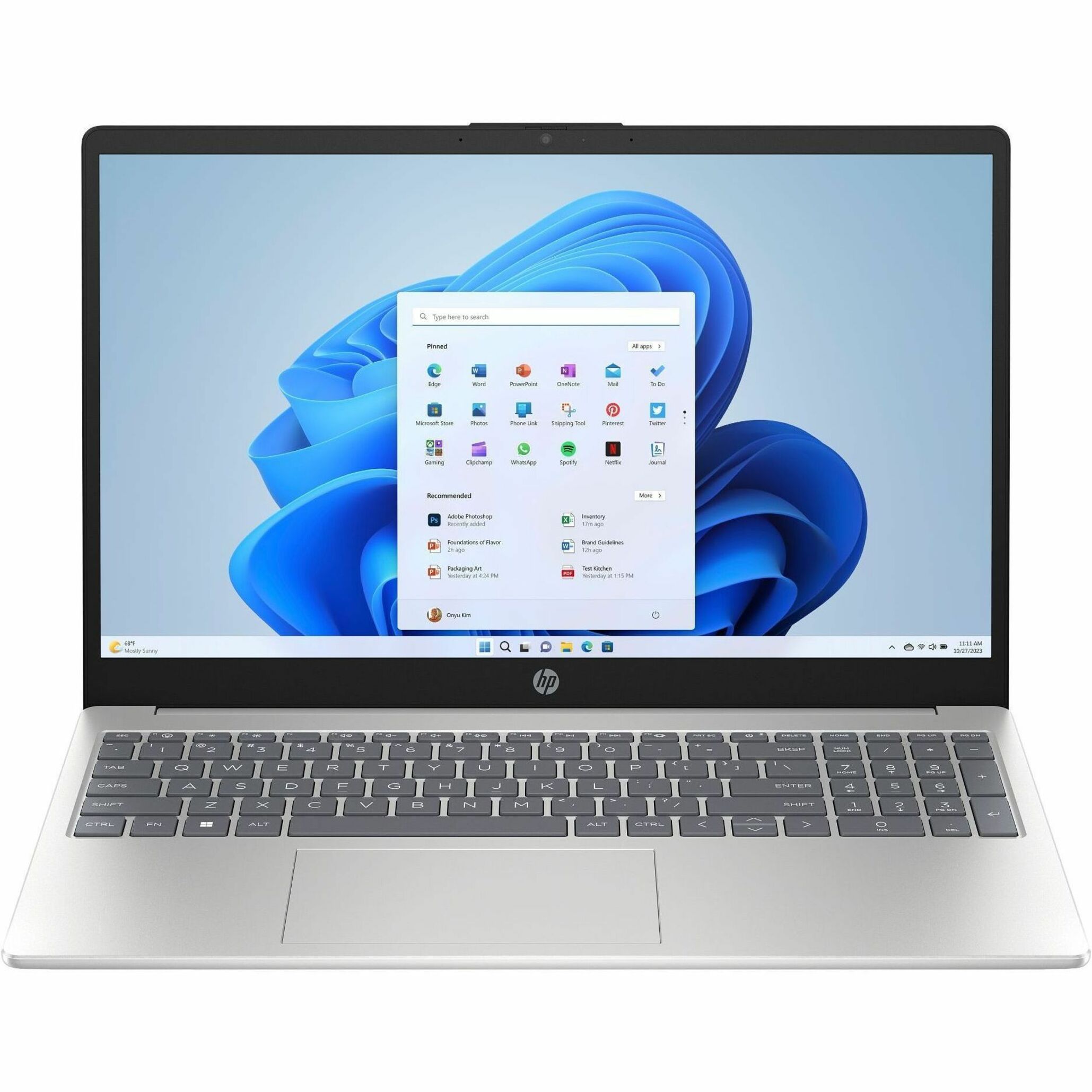
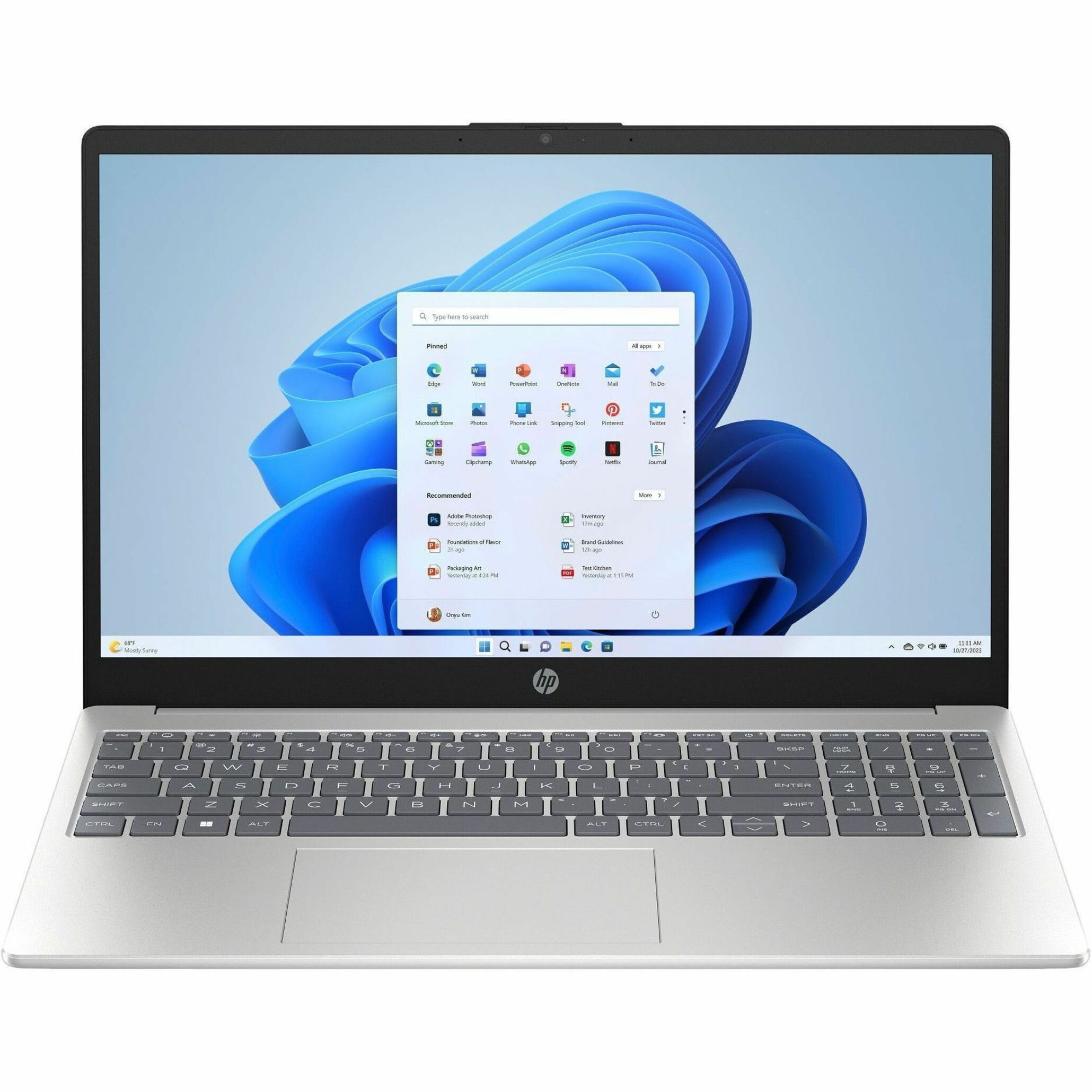
Most majors live here. Reading, writing, spreadsheets, video calls, slide decks, and a browser that never gets closed. For that work, an HP ProBook or an entry-level EliteBook is the honest recommendation — business-class construction, a real keyboard, and the manageability and security posture HP builds into its commercial lines rather than its consumer ones.
The reason to buy commercial rather than consumer for school is not speed. It is the hinge, the keyboard, the availability of service parts, and the warranty options behind them. A student laptop gets opened and closed several times a day for four years, carried across campus in the rain, and used on a lecture-hall desk barely wider than the machine itself. Commercial chassis are designed around that kind of handling; the cheapest consumer models are designed around a price.
Inside this tier, spend on memory first, storage second, screen third. Memory is what makes a four-year-old laptop feel old, and on thin models it is often soldered in at the factory — so buying one tier up on day one is cheaper than regretting it in year three. Storage is easier to work around with cloud and external drives, and the screen matters most if you will be reading on it for six hours a day. You can browse the HP laptop catalog by family to see what each line includes.
The heavy tier: engineering, CAD, data and media
If the program requires CAD, 3D modeling, simulation, GIS, statistical work on large datasets, or video and audio production, a mobile workstation is the right category. In HP's line that means ZBook — the Firefly for students who need certified professional graphics in something they can actually carry between studios and lectures, the Power tier when models and datasets get large enough that the entry machine starts waiting on you, and the Studio line for creative and media work.
What separates these from a fast consumer laptop is certification. HP validates ZBook configurations with the major engineering and creative software vendors, which means specific hardware-and-driver combinations have been tested against the applications your program teaches. For a student that shows up as fewer viewport crashes during a deadline week, not as a benchmark score.
Two honest caveats. First, check whether your department publishes a recommended-configuration page — most engineering and architecture programs do, and it usually names the exact software, which is a better guide than any general advice. Second, ask whether the heavy work is expected to happen on your machine at all. Plenty of programs run the demanding coursework on lab machines or a remote cluster, in which case a good everyday laptop plus lab access beats a mobile workstation you carry but rarely load.
Battery and weight are the specs you actually feel
A student day is not a benchmark loop. It is a series of unpredictable gaps between classes where an outlet may or may not exist. What matters is whether the machine gets through a normal day of classes without hunting for a wall socket, and whether the charger is small enough that you will genuinely carry it. Laptops that charge over USB-C let one compact adapter cover the phone and the laptop, and a dock at the desk turns the same port into monitor, power, and peripherals with one cable.
Weight is the other spec you feel daily. The difference between a light notebook and a heavy one is barely visible on a page of specifications, and completely obvious by week three of carrying it across campus.
Durability: it lives in a backpack
Assume the laptop will be dropped, closed on a pen, and rained on at least once. HP tests its commercial and education lines for that kind of daily handling, and builds spill-resistant keyboards into parts of the range — worth confirming per model, since it varies. HP's Fortis line in particular is designed around K-12 handling, which is a useful signal for how much abuse a school-focused machine is expected to take.
Practical measures matter as much as the chassis. Use a padded sleeve inside the backpack rather than trusting the backpack alone. Do not stack textbooks on a closed laptop. And when you configure the machine, ask about accidental damage coverage rather than only the standard warranty — the claims students actually file are drops and spills, not component failures.
Chromebook or Windows? The honest answer
HP Chromebooks are real machines and we do list them. They are genuinely good at note-taking, web applications, and managed school fleets: light, simple, quick to reset, and hard to break in software. If your coursework lives entirely in a browser and a document editor — common in K-12 and in some general-education tracks — a Chromebook is not a compromise.
They are the wrong tool the moment a program requires desktop software. Most engineering, architecture, statistics, accounting, music production, and design applications do not run on ChromeOS, and the workarounds are fragile. That is why a Windows laptop is the safe default for most majors: it never blocks you from a required application, and it is easier to justify across four years and a possible change of major.
Configurations and availability change constantly on both sides, so do not plan around a stock page. Tell us the program and the budget and ask what we can actually get you right now.
New versus used, and what the warranty is really for
Used hardware looks cheap until the hinge fails in year two. We sell new, warrantied HP hardware only, and the reason is mostly the battery: it is a consumable, and remaining battery life is the single thing you cannot inspect on a used machine. A discount that ends with a battery replacement and a dead warranty is not a discount.
Match the warranty term to the expected service life. A three-year term on a four-year plan leaves a gap exactly when the machine is most likely to need service, and extending coverage at the time of purchase is nearly always cheaper than after the fact.
The student discount changes the math
Before you compare prices anywhere, know what you actually pay. Verified students and educators save up to 10% through our student and education discount on genuine HP laptops, desktops, accessories and school supplies. Verification is a school-issued email address or a current student or faculty ID with the school's address — no portal, no codes. Individuals pay by card once the quote is confirmed, and schools and districts buy on a standard purchase order.
The savings run deepest when the laptop, dock, warranty and accessories are quoted together rather than bought piecemeal, so it is worth assembling the whole kit once. Our BOM builder is the easiest way to do that — add the laptop, the dock, the monitor and the accessories, and send the whole list in as one quote.
A short checklist before you buy
- Confirm the program's required software and any published configuration guidance
- Decide whether heavy work happens on your machine or in a lab
- Buy memory one tier above what feels sufficient today
- Prefer USB-C charging and plan for one dock at the desk
- Match the warranty term to the full expected service life
- Ask about accidental damage coverage, not just the standard warranty
- Get the discount applied to the whole kit, not just the laptop
Tell us the major, the budget, and when it needs to arrive, and we will come back with a real configuration rather than a category. Request a student laptop quote — verification takes one message, and there is no payment up front.
Frequently asked questions
Which HP laptop is best for a college student?
For most majors, an HP ProBook or an entry-level EliteBook is the right starting point — business-class build quality, a keyboard that survives four years of daily use, and service parts you can actually get. Step up to a ZBook mobile workstation only if the program requires CAD, simulation, GIS, large-dataset work, or media production. Check whether your department publishes a recommended configuration first; it usually names the software that drives the decision.
How much memory and storage should a student laptop have?
Buy memory one tier above what seems sufficient today. Memory is what makes an older laptop feel slow, and on thin models it is frequently soldered in and cannot be upgraded later. Storage is more forgiving because cloud storage and an external drive cover the overflow. If the budget forces a trade, take more memory and less storage.
Should a student get a Chromebook or a Windows laptop?
A Chromebook works well when the coursework genuinely lives in a browser and a document editor, and it is light, simple, and easy to manage. A Windows laptop is the safer default for most majors, because most engineering, architecture, statistics, accounting, music, and design applications are desktop software that does not run on ChromeOS. We list HP Chromebooks, and configurations change often — ask us what is currently available for your program rather than planning around a stock page.
How does the student discount work on an HP laptop?
Verified students and educators save up to 10% on our quoted pricing. Verification is a school-issued email address or a current student or faculty ID plus the school's address, confirmed once at quote time — there is no enrollment portal and no code. Individuals pay by card after the quote is confirmed, and schools and districts buy on a standard purchase order with no payment up front. The savings run deepest when the laptop, dock, warranty, and accessories are quoted together.