Start with the workload, not the model number
HP's Z line covers a wide span — from a compact desktop that fits behind a monitor to a tower built for the heaviest jobs, plus a full range of ZBook mobile workstations. The fastest way to pick wrong is to shop by model number. The fastest way to pick right is to name the workload first, then match the chassis to it.
This guide lists the current desktop and mobile Z models and positions each by the work it's built for. Everything here is qualitative — exact CPU, GPU, memory, and storage vary by configuration, and we confirm the build per quote. You can browse what we stock on the workstation catalog as you read.
The current desktop Z line
- HP Z2 Mini G9 — the space-saving workstation. Workstation-class capability in a tiny chassis. Ideal where desk space, mounting behind a display, or a clean footprint matters: trading floors, labs, control rooms, and CAD seats that don't need a tower's expansion.
- HP Z2 SFF G9 — the small-form-factor mainstream seat. A smaller footprint than a tower with room for professional graphics. A strong default for CAD, BIM, and general engineering where you want workstation certification without a full tower.
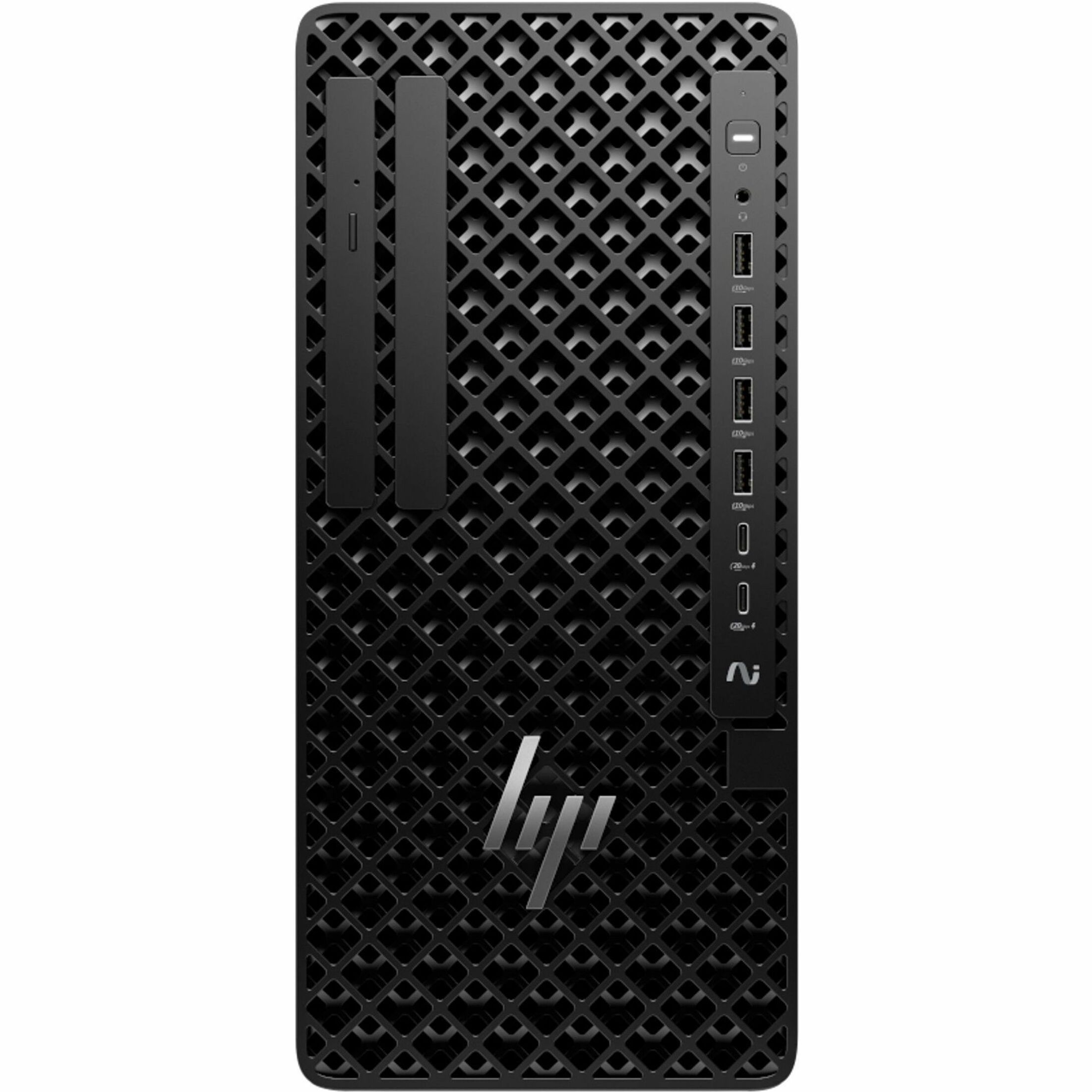
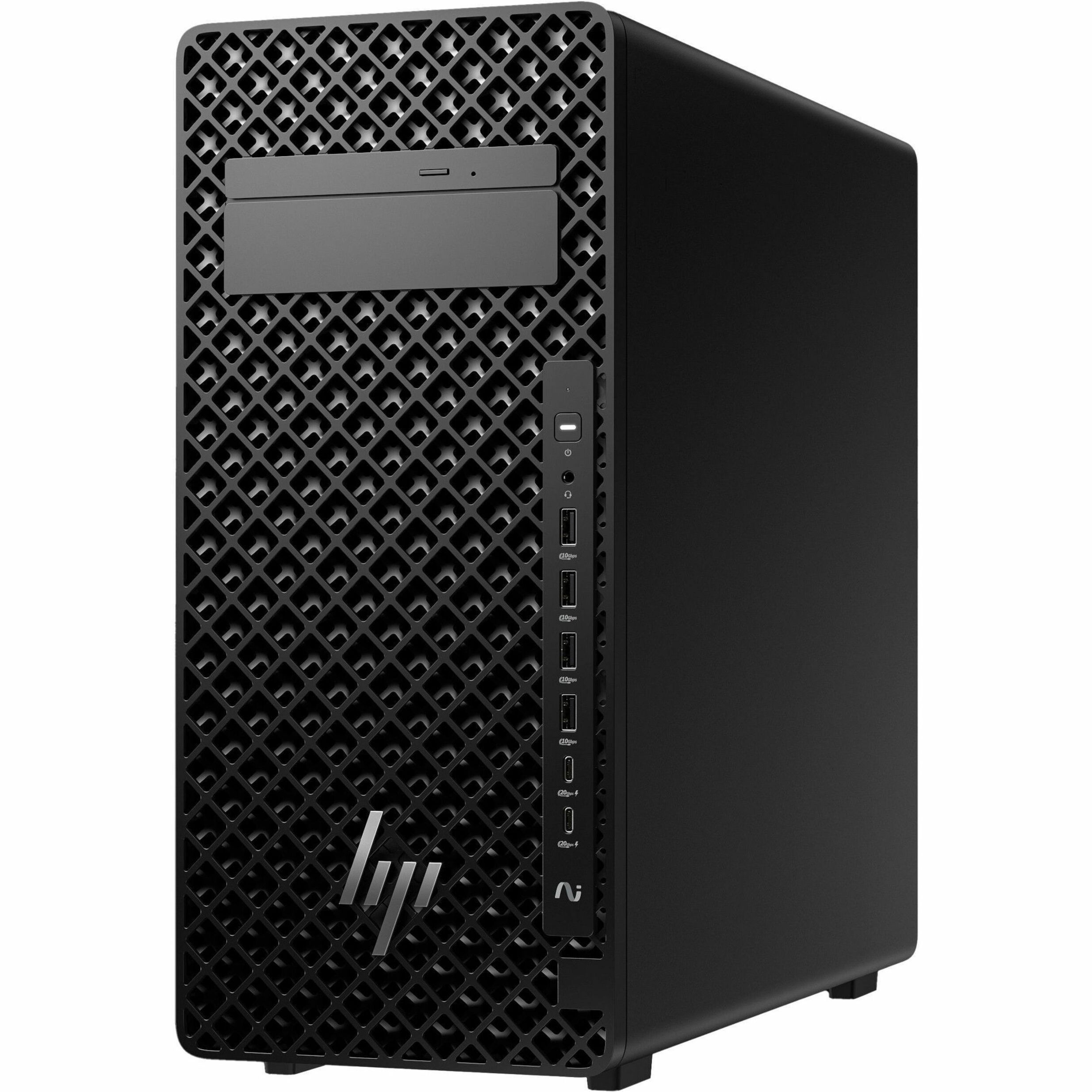
- HP Z2 Tower G9 — the mainstream workhorse. The volume desktop workstation: single-socket, generous expansion, and enough thermal headroom for sustained professional graphics and compute. The right starting point for most CAD/BIM, design-visualization, and mixed engineering seats.
- HP Z4 G5 — the step-up single-socket. More cores, more memory capacity, and more expansion than the Z2 tower. Built for heavier simulation, larger data-science work, and demanding multi-GPU or high-memory configurations.
- HP Z6 G5 — the high-capacity single-socket. For workflows that need substantial memory and multiple accelerators — bigger simulation, GIS at scale, media pipelines, and AI development that lives locally.
- HP Z8 Fury G5 — the top of the tower line. The maximum-performance desktop, built for the heaviest local compute: large-scale simulation, high-end visual effects, and multi-GPU AI/ML work where the model runs on the desk.
The ZBook mobile line
- HP ZBook Firefly — the thin-and-light mobile workstation. Portability first, with certified professional graphics. For architects, engineers, and analysts who present, travel, and need workstation-class reliability in a carry-anywhere chassis.
- HP ZBook Power — the mainstream mobile workhorse. More performance than the thin-and-light for people who need real local compute on the move without stepping up to the largest mobile chassis.
- HP ZBook Studio — the performance creative mobile. A slim but powerful machine tuned for media and design — color-critical work, video, and 3D — where portability and graphics performance both matter.
- HP ZBook Fury — the mobile desktop-replacement. The most powerful mobile workstation, built to stand in for a desktop: heavy simulation, large datasets, and demanding rendering away from a fixed desk.
Pick by workload — a quick finder
Match the job to the machine. Where two options appear, the first is the value pick and the second is the headroom pick.
- CAD / BIM (Revit, AutoCAD, Inventor, SolidWorks): Z2 SFF G9 or Z2 Tower G9 for most seats; Z4 G5 for very large assemblies. Mobile: ZBook Firefly or ZBook Power.
- Data science / AI / ML (local training and prototyping): Z4 G5 or Z6 G5; Z8 Fury G5 when heavy training runs on the desk. Mobile: ZBook Power or ZBook Fury. Our HP Z workstations for data science guide goes deeper on GPU memory and RAM headroom.
- Video / media / motion (editing, color, 3D): Z4 G5 tower for the desk; ZBook Studio for mobile creative work; Z8 Fury G5 for the heaviest render and VFX pipelines.
- GIS / geospatial: Z2 Tower G9 for standard seats; Z6 G5 where datasets and memory needs grow large.
- Engineering simulation and analysis (FEA, CFD): Z4 G5 for mid-tier; Z6 G5 or Z8 Fury G5 for large models and multi-GPU solves.
- Space-constrained pro seats: Z2 Mini G9 wherever footprint matters more than expansion.
If you're deciding between a Z machine and a well-specced regular desktop, the honest trade-offs live in our Z workstation vs standard desktop comparison — a good read before you commit budget.
Why ISV certification matters
One thing that separates a workstation from a fast PC is certification. HP certifies its Z workstations with major engineering and creative ISVs — the software vendors behind the CAD, simulation, and media applications your teams run. In practice that means specific hardware-and-driver combinations have been validated against the application, so you get tested stability under professional workloads rather than hoping a consumer configuration holds up.
For regulated or mission-critical work, that certification is often the reason to choose a Z workstation in the first place. We can confirm current certifications for the specific application and configuration you care about at quote time.
Buying for a fleet, not a single seat
If you're equipping a team, the win is consistency: a small number of standard configurations per workload tier, matched warranty terms, and a known baseline. Rather than re-spec every order, build each workload tier once as a configuration in our BOM builder — desktop or mobile, GPU tier, memory, storage, warranty — and reuse it across sites. Fewer images, predictable spares, and a support burden that stays flat as you scale.
Spec with a little headroom, too. GPU memory and RAM needs grow over a two-to-three-year service life, and one tier of headroom now is almost always cheaper than an early replacement.
When you've mapped your workloads to models, send us the tiers and seat counts and we'll price the actual builds, with configuration and TAA confirmed per line. Request a workstation quote and tell us the primary application per tier — the software drives the recommendation as much as the hardware does.
Frequently asked questions
Which HP Z workstation is right for CAD and BIM?
For most CAD and BIM seats, the Z2 SFF G9 or Z2 Tower G9 is the right starting point — workstation certification and professional graphics without an oversized chassis. Step up to the Z4 G5 for very large assemblies. For mobile CAD, the ZBook Firefly or ZBook Power fits. The application and model size drive the exact pick.
Should I choose a desktop Z or a ZBook mobile workstation?
A Z desktop gives the most compute and expansion per dollar for desk-bound work. A ZBook trades some ceiling for portability and suits people who present, travel, or move between sites. Many teams run a hybrid — desktops for the heaviest local work and ZBooks for mobile users — standardized as separate tiers.
What does ISV certification actually get me?
It means the software vendor has validated specific hardware-and-driver combinations against their application, so you get tested stability under professional workloads instead of hoping a consumer setup holds up. For regulated or mission-critical work, that validation is often the whole reason to buy a workstation rather than a fast PC. We can confirm current certifications per application at quote time.
How do I decide between the Z2 Tower and the Z4 G5?
The Z2 Tower G9 is the mainstream single-socket workhorse and handles most CAD, BIM, and mixed engineering seats. Move to the Z4 G5 when you need more cores, more memory capacity, or more expansion — very large assemblies, heavier simulation, larger data-science jobs, or demanding multi-GPU configurations. Match the tier to where the work actually stalls.
Can you standardize workstations across a whole team?
Yes. The most supportable fleets use a small set of standard configurations per workload tier with matched warranty terms. Build each tier once in our BOM builder and reuse it across sites so you keep image counts low and spares predictable. We price the actual builds with configuration and TAA confirmed per line.