What a thin client actually does — and when it's the right endpoint
A thin client is a small, sealed, low-power desktop whose job is to connect a user to compute that lives somewhere else — a virtual desktop (VDI), a DaaS session, a published app, or a remote workstation. The device on the desk holds almost no data. The operating system is minimal and locked down, storage is small and often read-only, and everything the user actually works on runs in the data center or the cloud.
That model fits a specific set of jobs very well:
- VDI and DaaS rollouts where you want identical, disposable endpoints instead of hundreds of full PCs to patch
- Call centers, help desks, and shift-work floors where many people share a smaller number of seats
- Secure federal endpoints where keeping data off the local device is a feature, not a compromise
- Task-worker roles — order entry, records, kiosks — where the app set is narrow and fixed
If your users live in a browser and a couple of line-of-business apps served from a virtual desktop, a thin client removes a lot of moving parts. If they need heavy local compute, it's the wrong tool for the job.
The current HP desktop thin client line, positioned honestly
HP's desktop t-series spans entry to performance. Rather than chase model numbers, think of it as three rungs:
- HP Pro t550 — entry. The value endpoint for straightforward VDI and browser-based work. When the session does the heavy lifting and the desk just needs a reliable, secure connection, this is usually enough.
- HP Elite t655 — mainstream. The volume choice for most fleets. More headroom than the entry tier for multi-monitor setups, richer protocols, and mixed workloads, without paying for performance nobody will use. This is the model most buyers should start from.
- HP Elite t755 and HP t660 — performance. The top of the desktop line for demanding endpoints: high-resolution or many-monitor configurations, heavier multimedia in the remote session, and unified-comms workloads that push the local decode. If your users run graphics-forward virtual desktops or four displays, this is the rung that keeps the experience smooth.
Exact CPU, memory, and storage vary by configuration, and we confirm the build per quote. You can see what we currently stock on the thin client catalog.
If you want a concrete head-to-head — for example, whether a legacy unit is worth replacing with current mainstream hardware — the HP t640 vs t655 comparison walks through where the newer model earns the change.
"Thin client laptop": the mobile mt-series
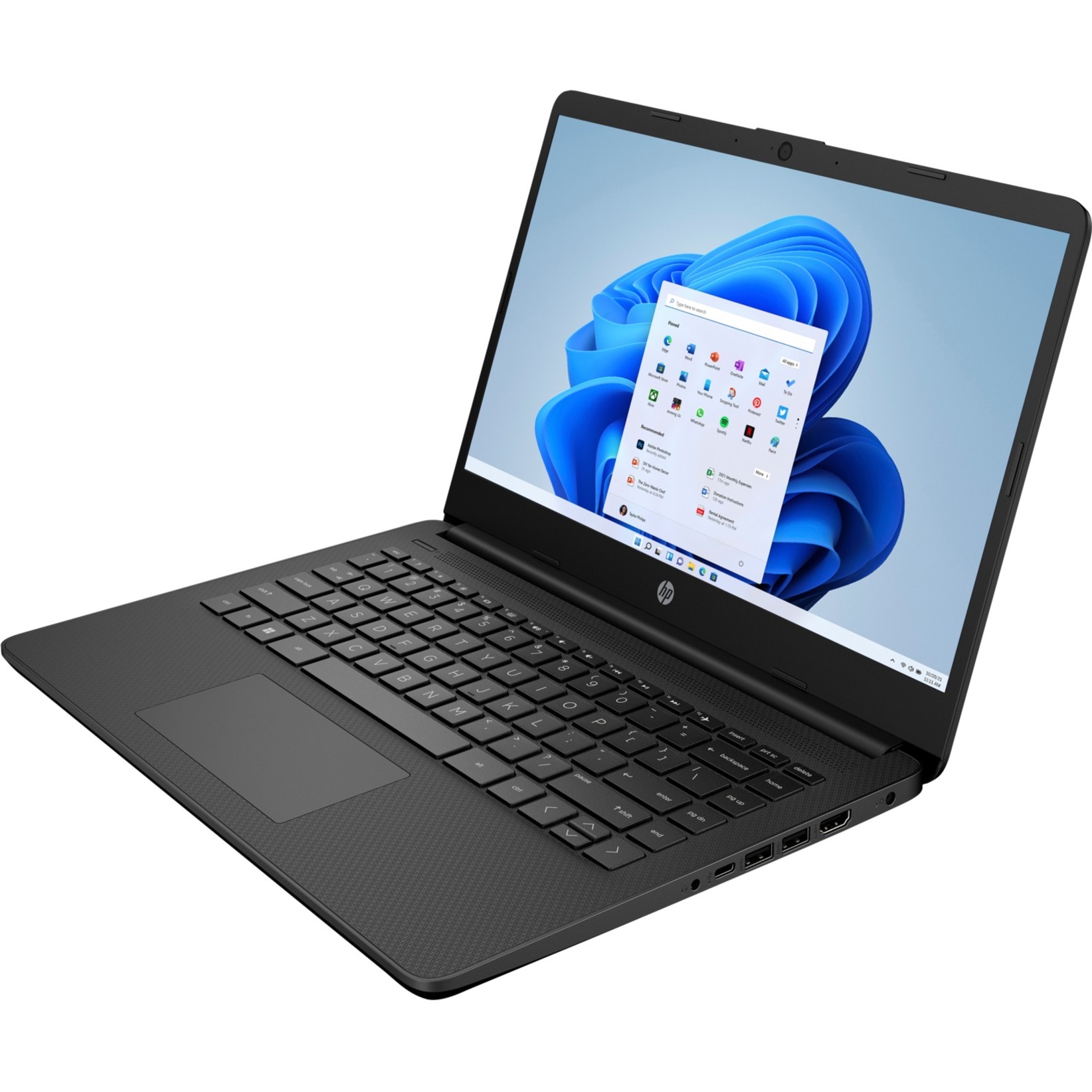
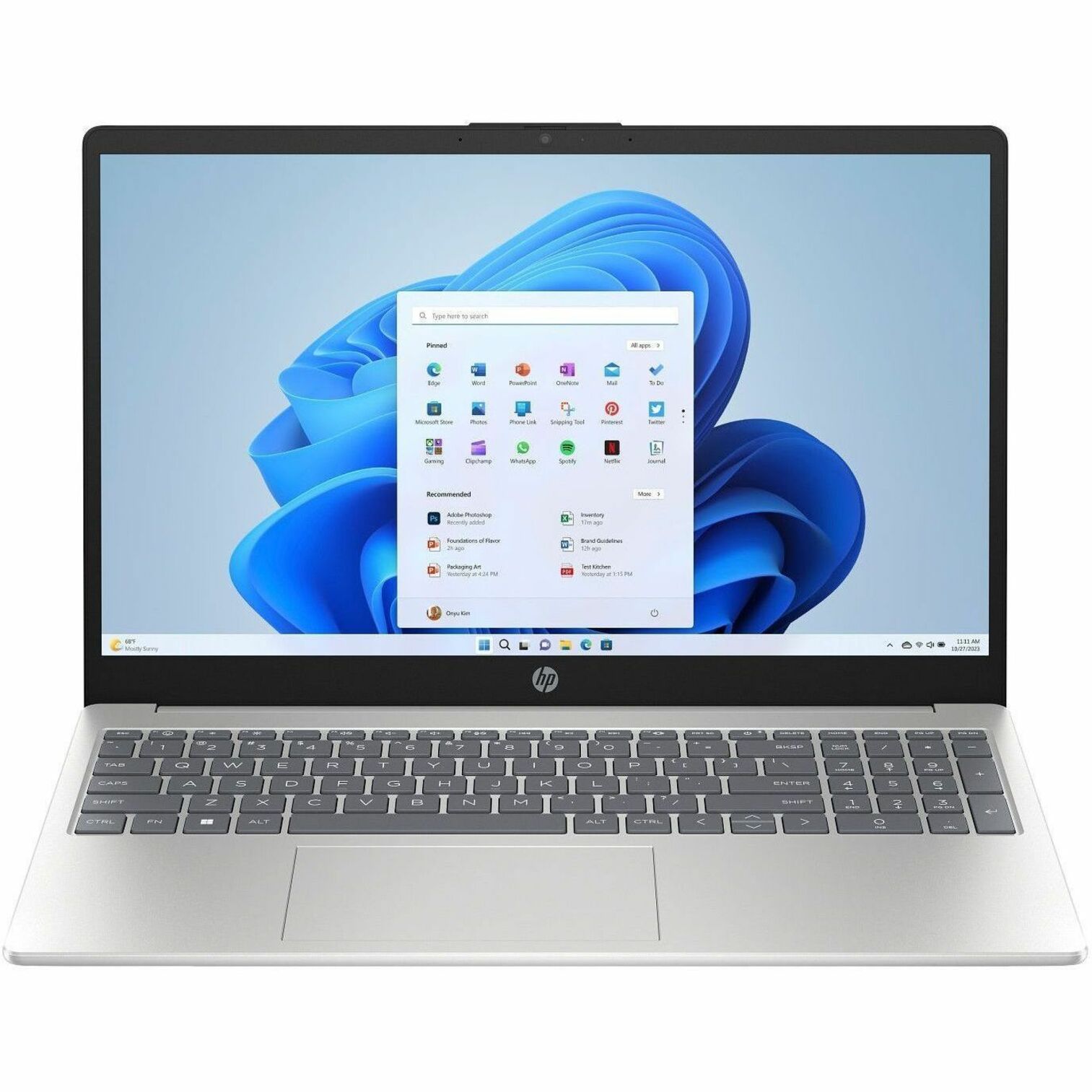
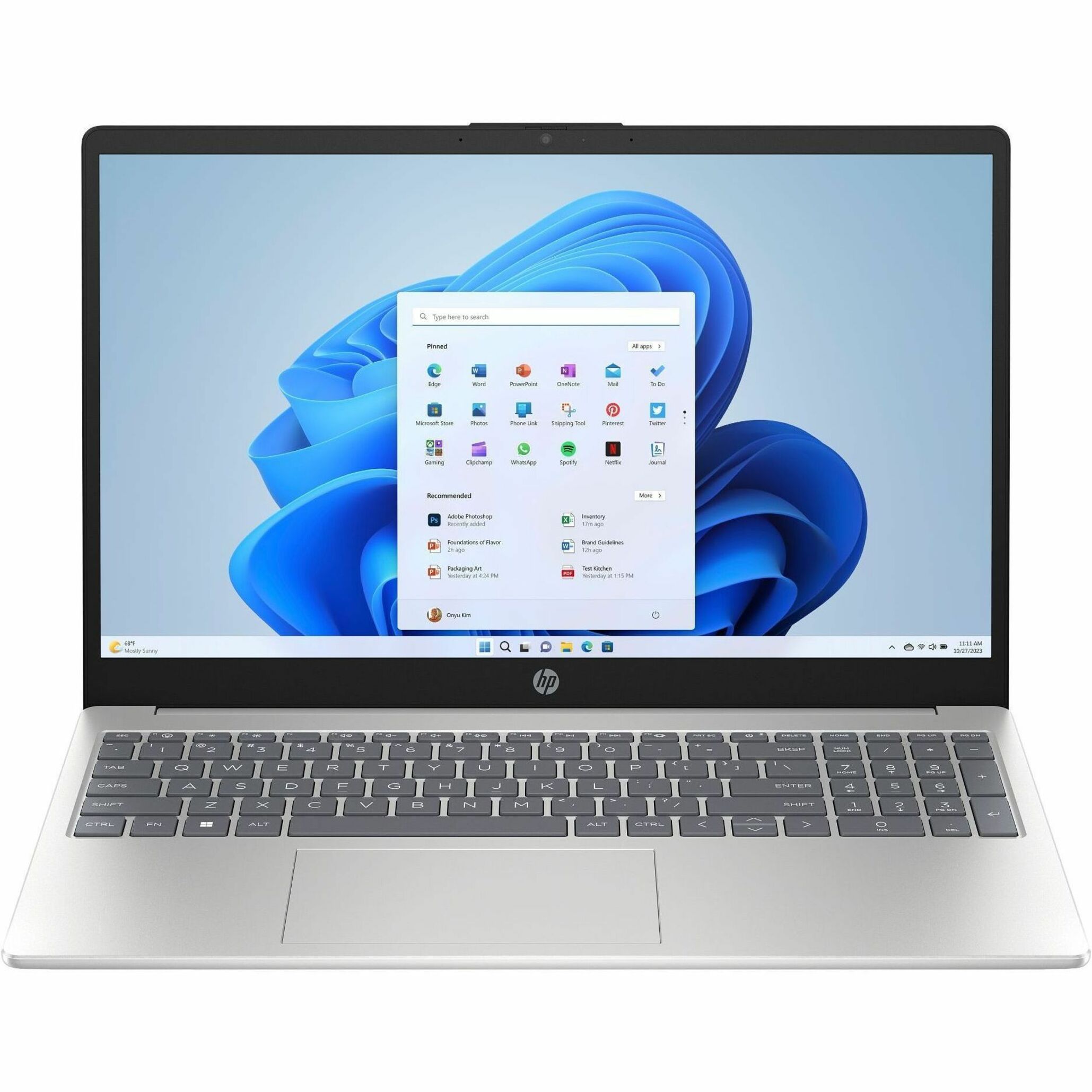
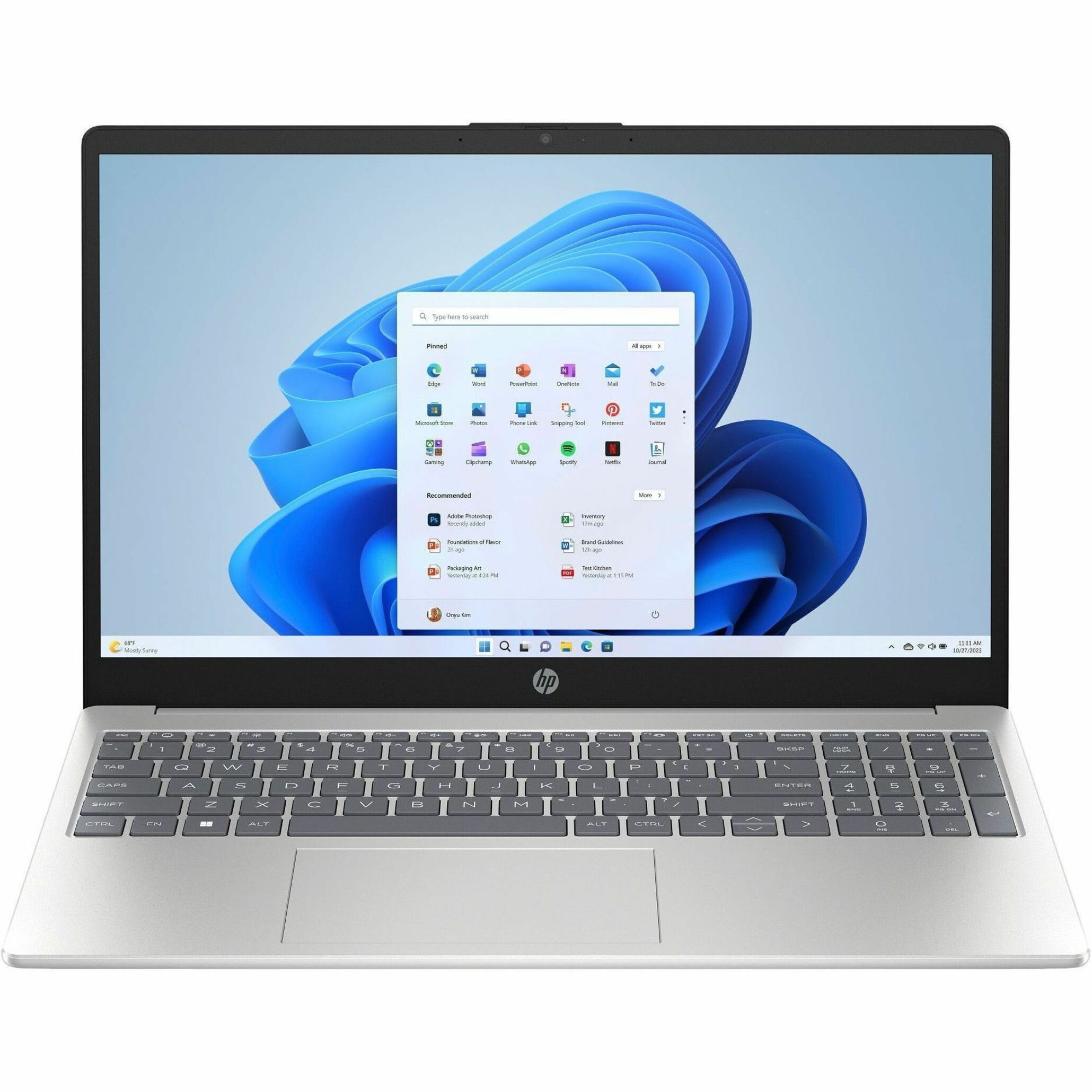
Search traffic for a "thin client laptop" is real, and HP builds for it. The mobile thin clients — HP mt440 and HP mt645 — are notebook-form endpoints for people who need a VDI or DaaS session away from a fixed desk: traveling clinicians, field auditors, hybrid task workers, and anyone who wants the security posture of a thin client in a portable chassis.
They matter for another reason too, which brings us to the most common question we get.
The "i5 thin client" question, answered straight
People search for an "HP thin client i5" expecting a desktop t-series unit with an Intel Core i5. That is not how the desktop line is built. HP's desktop thin clients run embedded Intel Celeron / N-series or AMD Ryzen SoC-class processors — chips chosen to be efficient, cool, and long-lived for a device that mostly brokers a remote session. They are not Core i5 desktops.
If you genuinely need Core-class power in a thin-client posture, there are two honest paths:
- Move to the mobile mt-series — the mt440 offers Core-class CPUs — which gives you a stronger local processor in a managed, thin-client-style device.
- Use a Pro desktop as a VDI endpoint where a full Core i5 machine is warranted.
We're happy to talk through which fits. The right answer depends on whether the local horsepower is actually doing work or just running the connection.
OS choice: HP ThinPro or Windows IoT
Thin clients don't run a standard consumer OS. The two families are:
- HP ThinPro — a hardened, Linux-based thin-client OS. Lean, fast to boot, low attack surface, and a strong fit for pure VDI/DaaS brokering where you don't need a local Windows shell. Often the simplest to lock down.
- Windows 10 IoT Enterprise / Windows 11 IoT Enterprise — embedded Windows built for fixed-function devices, including the long-servicing LTSC 2021 release. The right pick when you need local Windows compatibility, specific agents, or peripherals that expect a Windows endpoint.
Both support centralized management through HP's device-management tooling, so you configure and update fleets from one console instead of walking the floor. If you're weighing the Windows servicing lifecycle, our explainer on Windows 10 IoT Enterprise LTSC 2021 covers the dates and the licensing reality.
If you're running a legacy t-series fleet
Plenty of agencies and districts still run older units — t430, t530, t540, t630, t640, t740, t5570. Most are end-of-sale or nearly gone from distribution, and that is the real reason to plan a move, not a spec sheet. Here's the honest mapping:
- t430 / t530 / t630 → Pro t550 or Elite t655. The former entry and mainstream units are superseded by the current entry and mainstream rungs, with newer protocols and current OS support.
- t540 / t640 → Elite t655 or Elite t755. Step up to mainstream or performance depending on your display and protocol needs.
- t740 → t660 or Elite t755. The old performance unit maps to the current performance rung.
- t5570 → Pro t550 or Elite t655, depending on the workload.
Why move at all if the old box still boots? Three reasons that actually matter:
- OS support. Current units carry Windows 11 IoT Enterprise support and current ThinPro; older ones age out.
- Security. Newer endpoints get current firmware protection and a maintained update path.
- End-of-life risk. When a model leaves distribution, spares and warranty coverage get hard to source. Standardizing on a current model now is cheaper than an emergency swap later.
If you're not sure a swap is justified, the thin client vs standard PC for VDI comparison is a good gut-check on whether the endpoint model still fits your environment at all.
What thin clients cost — kept honest
Thin clients cost far less than a comparable full PC, which is a big part of the appeal: lower unit price, lower power draw, and lower support overhead across the service life. We don't publish fixed pricing here because the real number depends on model, OS, memory and storage, warranty tier, and quantity — all of which vary by configuration and which we confirm per quote.
Tell us the model rung you're leaning toward, the OS, and the seat count, and we'll price the actual build. Request a thin client quote and note whether it's a fresh VDI rollout or a legacy fleet replacement — it changes what we recommend.
Frequently asked questions
Which HP thin client should most buyers start with?
For most fleets, the mainstream HP Elite t655 is the right starting point. It has more headroom than the entry Pro t550 for multi-monitor setups and mixed workloads without paying for the performance tier. Step up to the Elite t755 or t660 only if you run graphics-forward virtual desktops or many displays.
Is there an HP thin client with an Intel Core i5?
Not in the desktop t-series — those run embedded Celeron/N-series or AMD Ryzen SoC-class chips tuned for brokering a remote session. If you need Core-class power in a thin-client posture, the mobile mt-series (the mt440 offers Core-class CPUs) is the honest path, or use a Pro desktop as a VDI endpoint.
Should I run HP ThinPro or Windows IoT on a thin client?
ThinPro is a lean, hardened Linux-based OS that's ideal for pure VDI/DaaS brokering and is often the simplest to lock down. Windows 10 or 11 IoT Enterprise is the choice when you need local Windows compatibility, specific agents, or peripherals that expect a Windows endpoint. Both manage centrally through HP's tooling.
My older t630 or t640 units still work — why replace them?
Three reasons that matter beyond the spec sheet: current models carry Windows 11 IoT Enterprise and current ThinPro support while older ones age out, newer endpoints get current firmware protection and a maintained update path, and most legacy models are end-of-sale, so spares and warranty get hard to source. Standardizing now beats an emergency swap later.
Can HP thin clients be managed centrally?
Yes. Whether you run ThinPro or Windows IoT, HP's device-management tooling lets you configure, image, and update the fleet from one console rather than touching each desk, which is a large part of why thin clients lower support overhead.